Engine
Engine
Power
0 hp to 0 hp +0 hpTorque
0 Nm to 0 Nm +0 NmEngine code-
Capacity-
Compression-
ECUECU n/a
Bore x stroke-
Type-
AC CHIPTUNING
Brand
Model Version Engine

Engine
Power
0 hp to 0 hp +0 hpTorque
0 Nm to 0 Nm +0 NmReal Results
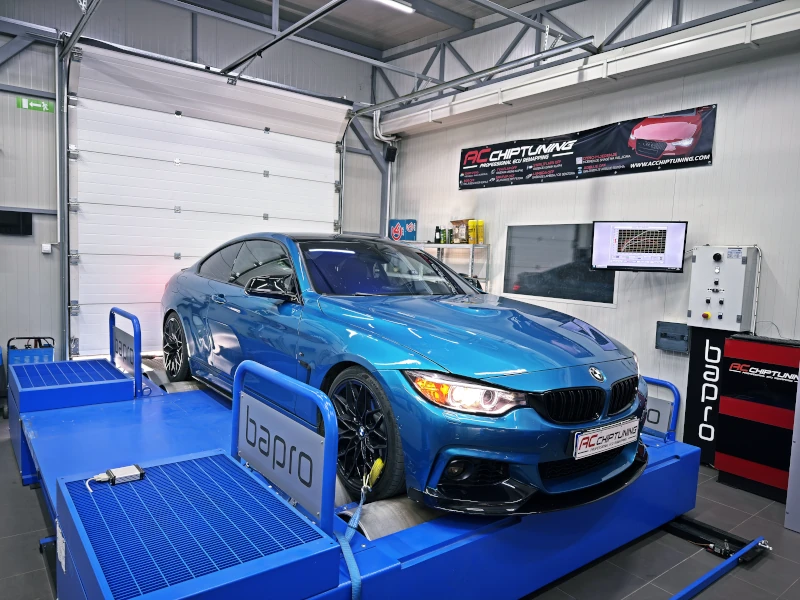 Stage 1 Dyno
 Dyno tested in-house
Decat & Downpipe
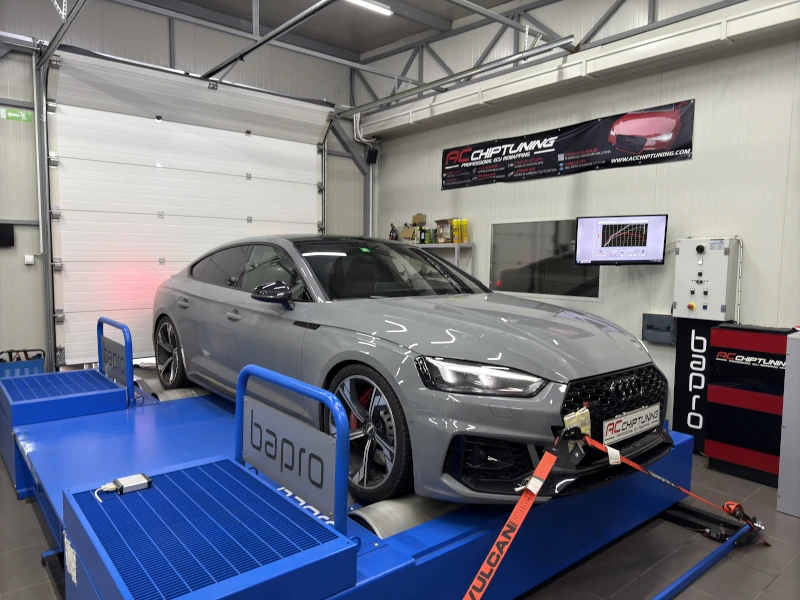 Stage 1 Dyno
 Sports car calibration
TCU Stage1
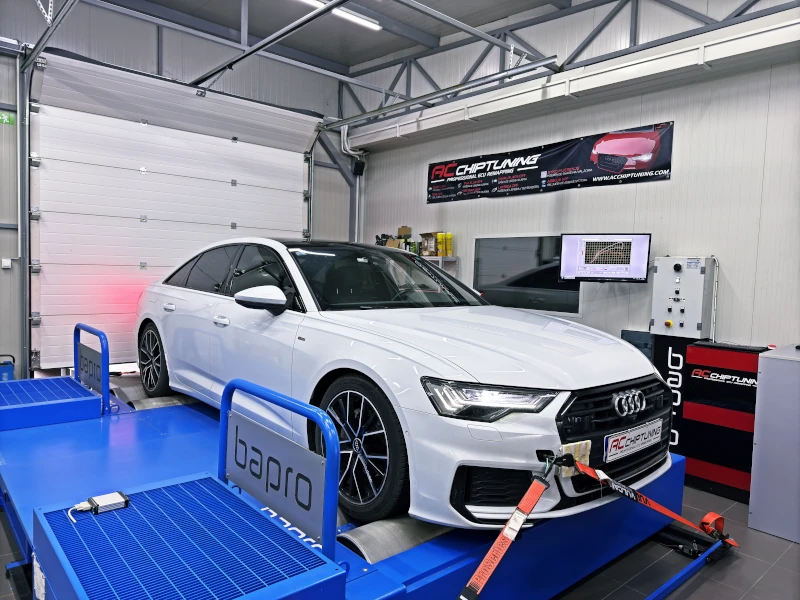 Stage 1 Dyno
 City and motorway optimised
TCU Stage1
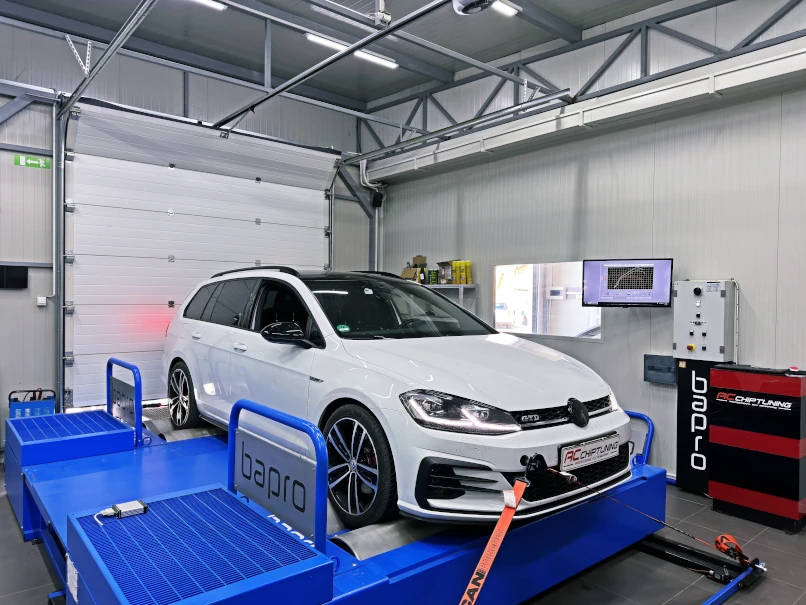 Stage 1 Dyno
 Daily DSG drivability
TCU Stage1
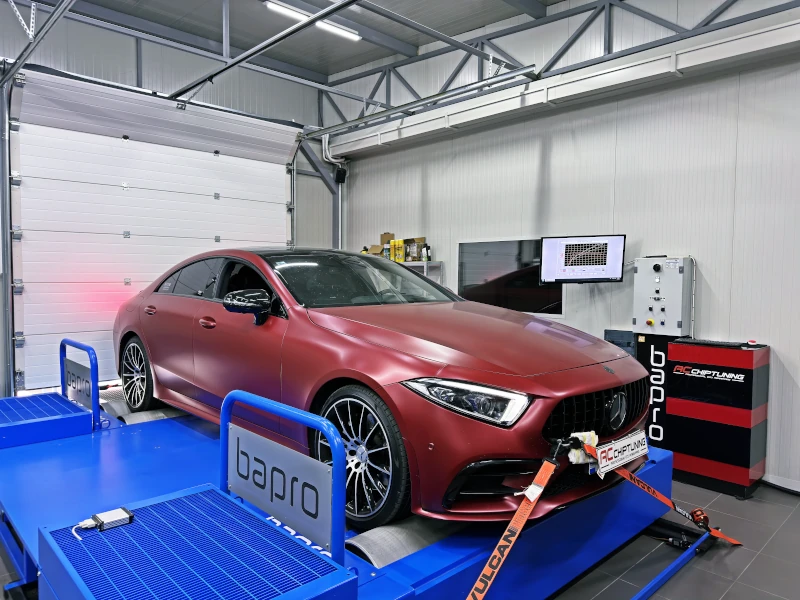 Stage 1+ Dyno
 High-speed touring optimised
TCU STAGE 1+
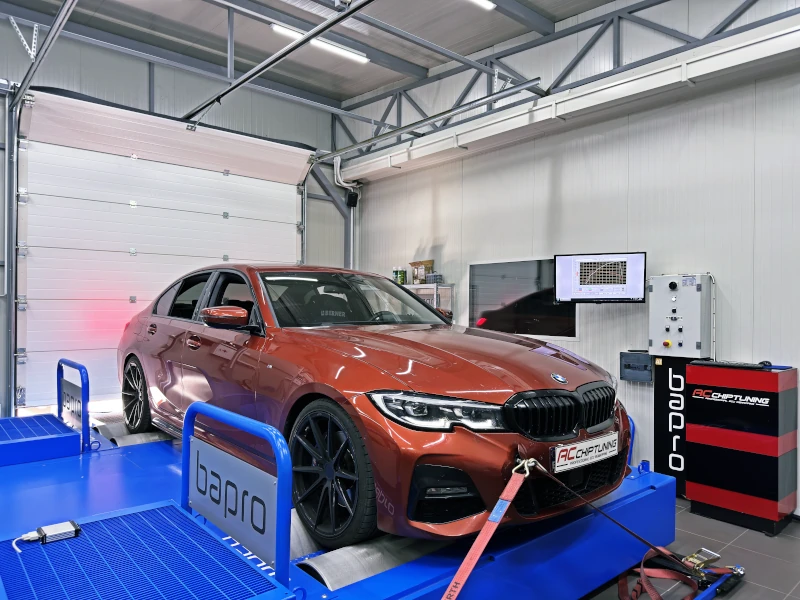 Stage 1 Dyno
 Daily sport response
TCU Stage1
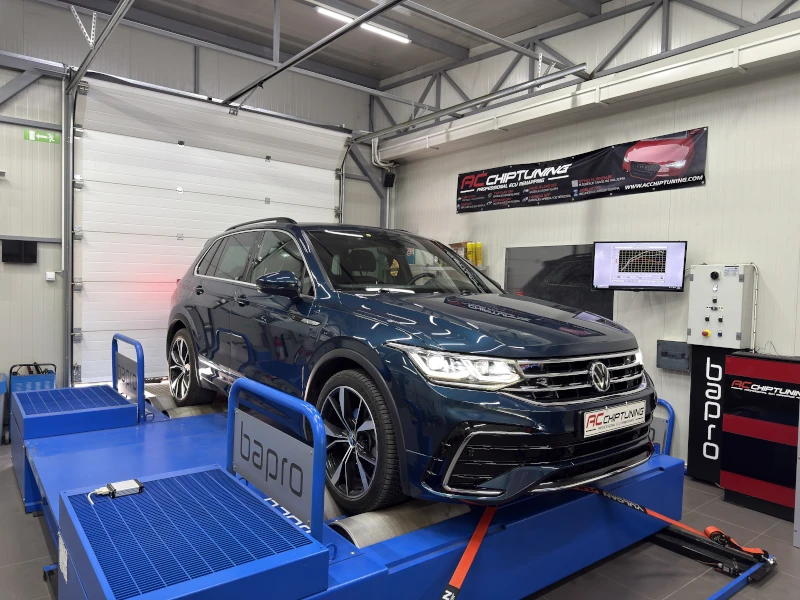 Stage 1 Dyno
 Family and travel optimised
MD1CS004
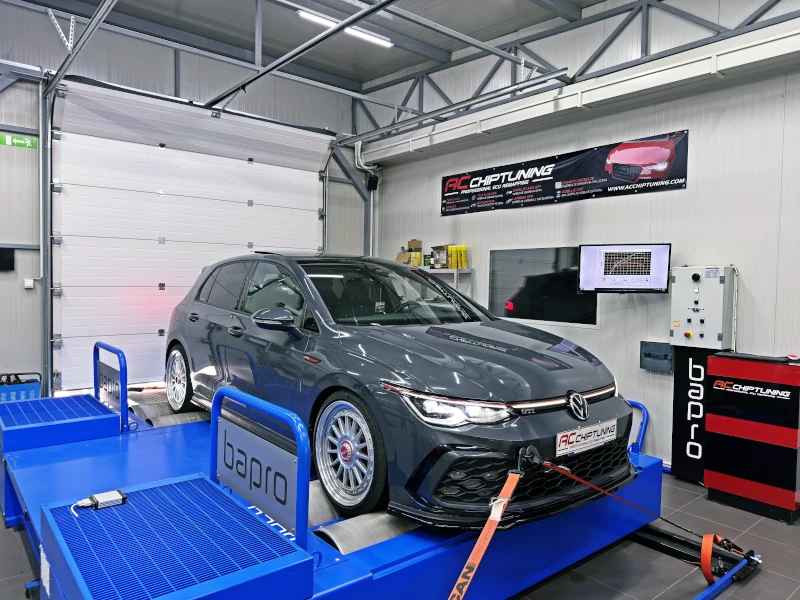 Stage 1+ Dyno
 Hot hatch response
RacingLine Intake + TMD / DSG Stage1+
Do You Want It More
Book your tuning
Datacenter diagnostics
Our datacenter diagnostics workflow is built around reliable equipment that helps us read modern vehicles correctly before software, hardware, or programming decisions move forward.
The goal is clear system visibility, safe working conditions during programming, and better technical decisions based on real vehicle data instead of assumptions.
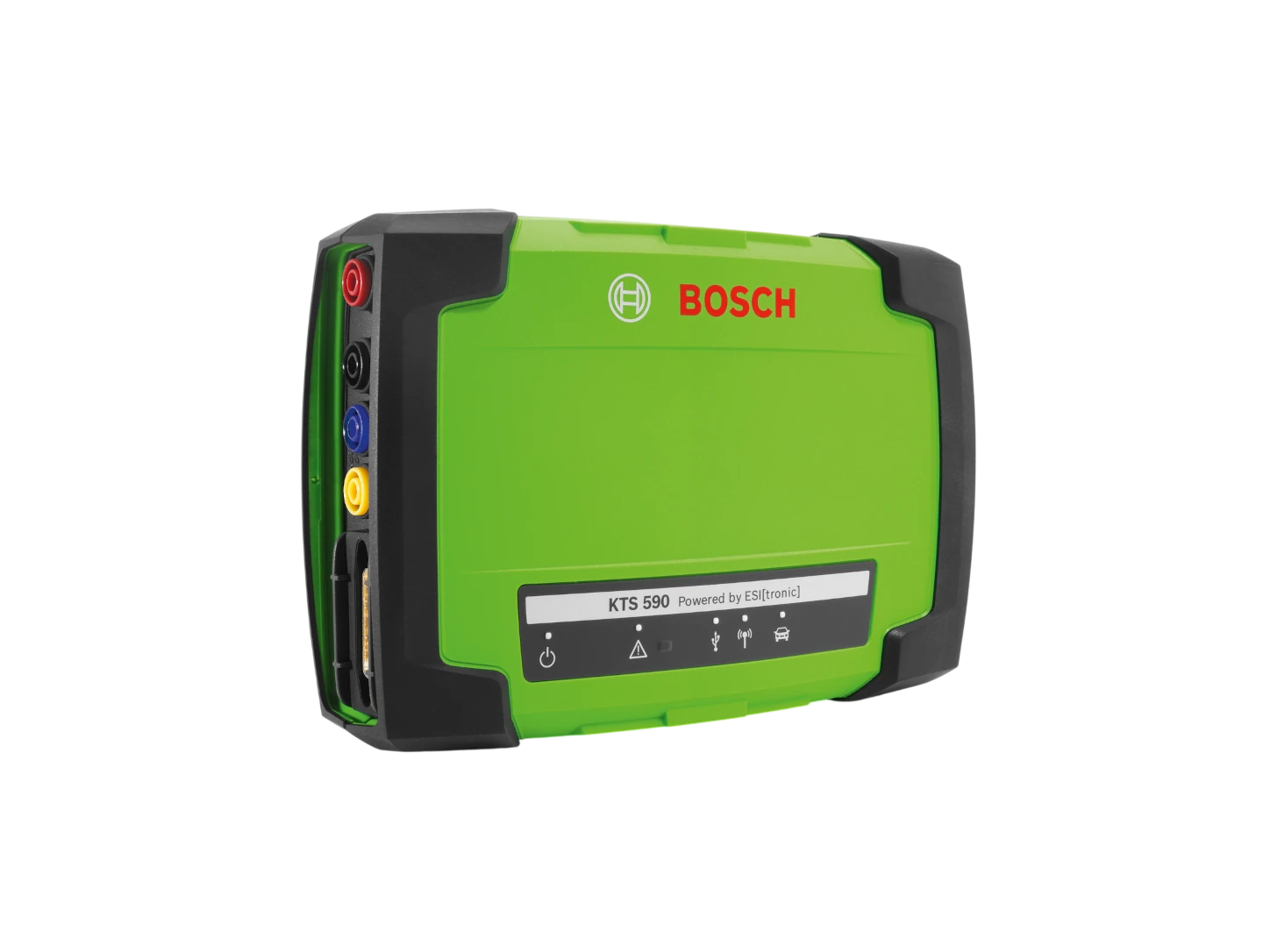
Diagnostic equipment
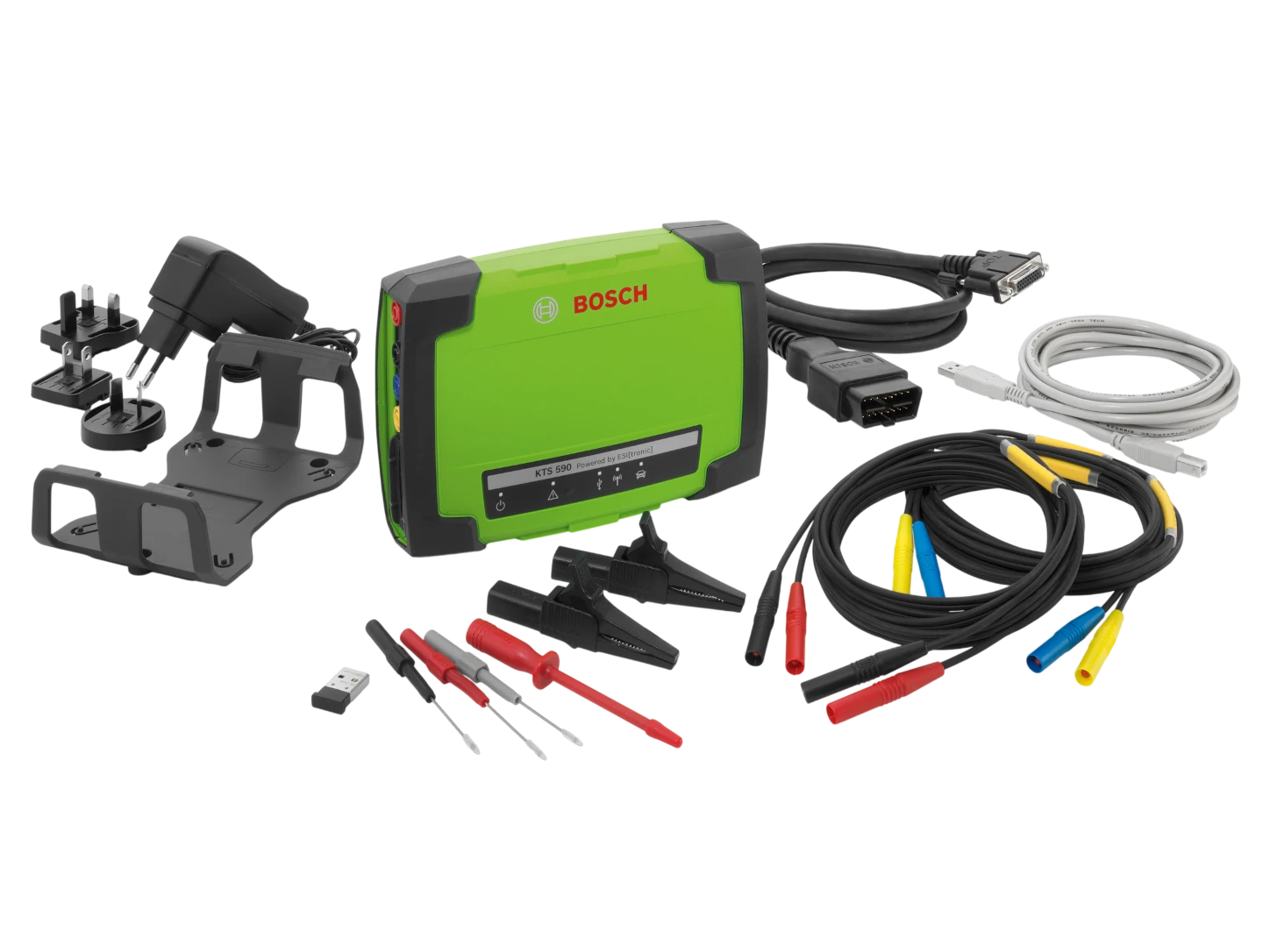
1. KTS 590 with DoIP access Bosch positions the KTS 590 around Ethernet-based DoIP diagnostics, which matters on newer vehicles where faster communication and current platform access are part of real workshop work.
2. Integrated two-channel oscilloscope The built-in two-channel oscilloscope helps us follow electrical signal changes in real time when a clean diagnosis needs more than stored fault codes.
3. Integrated two-channel multimeter The integrated two-channel multimeter gives us a direct way to verify electrical faults quickly inside the same diagnostic workflow.
4. PassThru and workshop connectivity Bosch also highlights PassThru support together with USB and Class 1 Bluetooth connectivity, which makes the KTS route practical for manufacturer software access and workshop mobility.
Diagnostic equipment
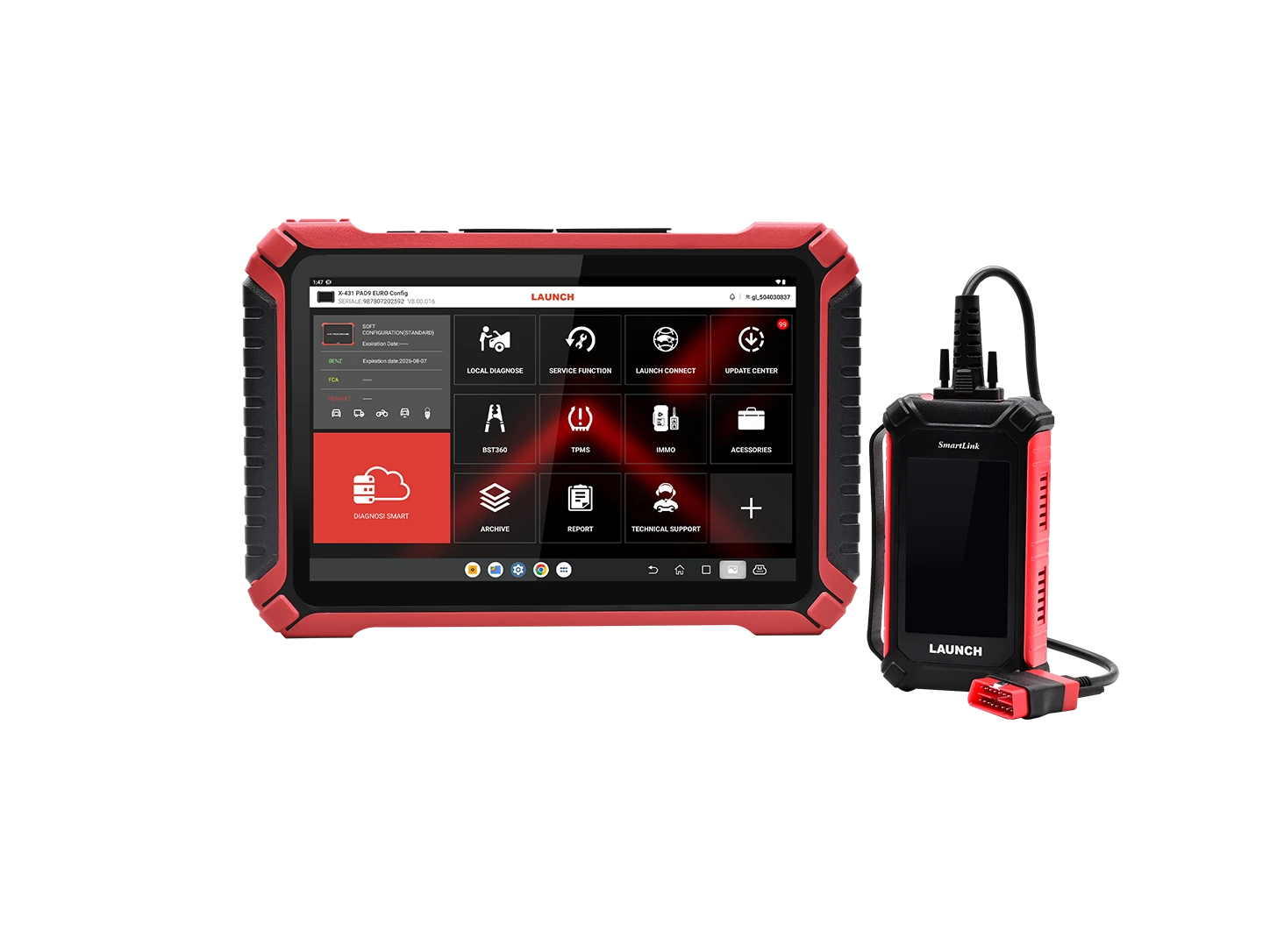
Launch builds its workshop diagnostic route around broad multi-brand coverage, current communication support, and OE-level functions that fit fast-moving everyday workshop work.
For a datacenter workflow that matters because the tool has to move quickly across different brands and help the workshop reach the next technical answer without unnecessary friction.
Diagnostic equipment
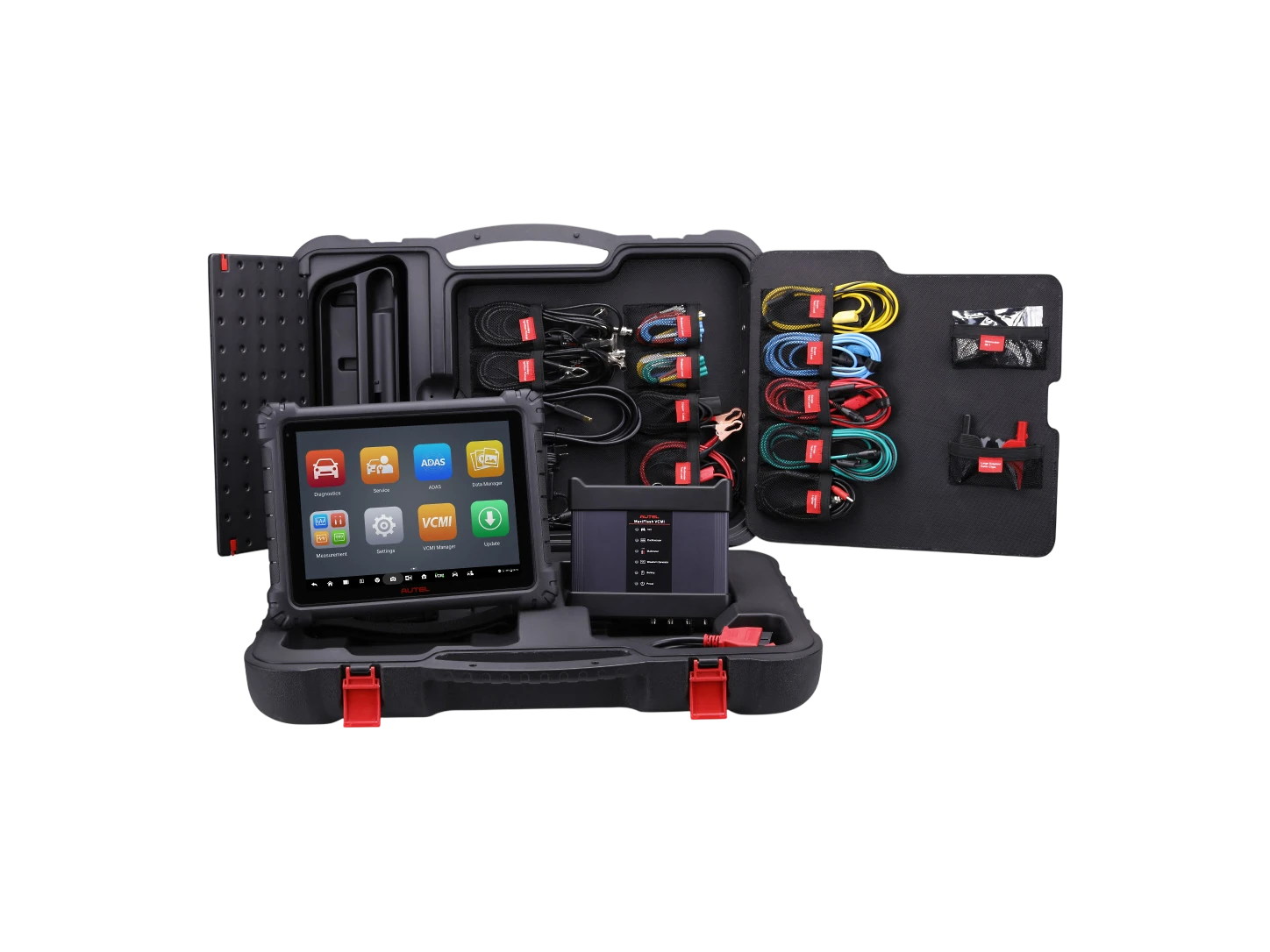
1. 12.9-inch tablet platform The MaxiSys Ultra is built around a large 12.9-inch touchscreen with 256GB storage and Android 11, which makes it practical for longer diagnostic sessions and split-screen work in real workshop use.
2. Advanced VCMI 5-in-1 The VCMI side combines VCI, oscilloscope, multimeter, waveform generator, and CAN Bus testing, so one tool can cover much more than simple code reading.
3. Modern protocol coverage AESwave highlights DoIP, CAN FD, D-PDU, and Mega CAN support, which matters when newer vehicle communication standards are part of daily diagnostic work.
4. Topology and guided testing The Ultra is built around topology mapping, guided oscilloscope tests, repair-tip support, and split-screen use, which helps turn vehicle data into a faster technical decision.
Diagnostic equipment
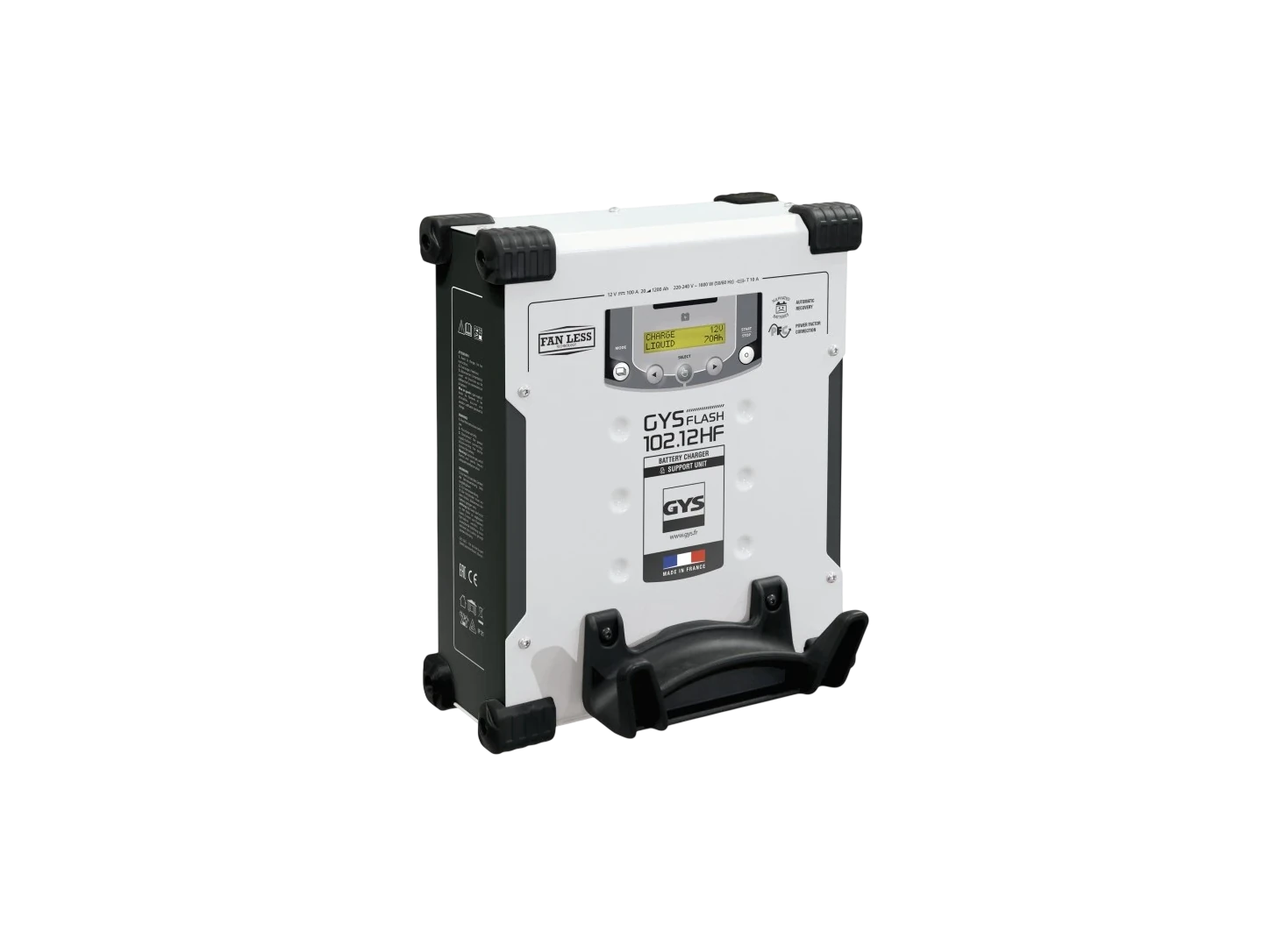
GYSFLASH 102.12 HF is built to keep voltage stable during diagnostic and programming phases, with up to 100A support and operating modes designed for real workshop battery management.
That makes it useful in the datacenter because stable power support reduces unnecessary programming risk and gives cleaner conditions whenever sensitive electronic work is underway.
Diagnostic equipment
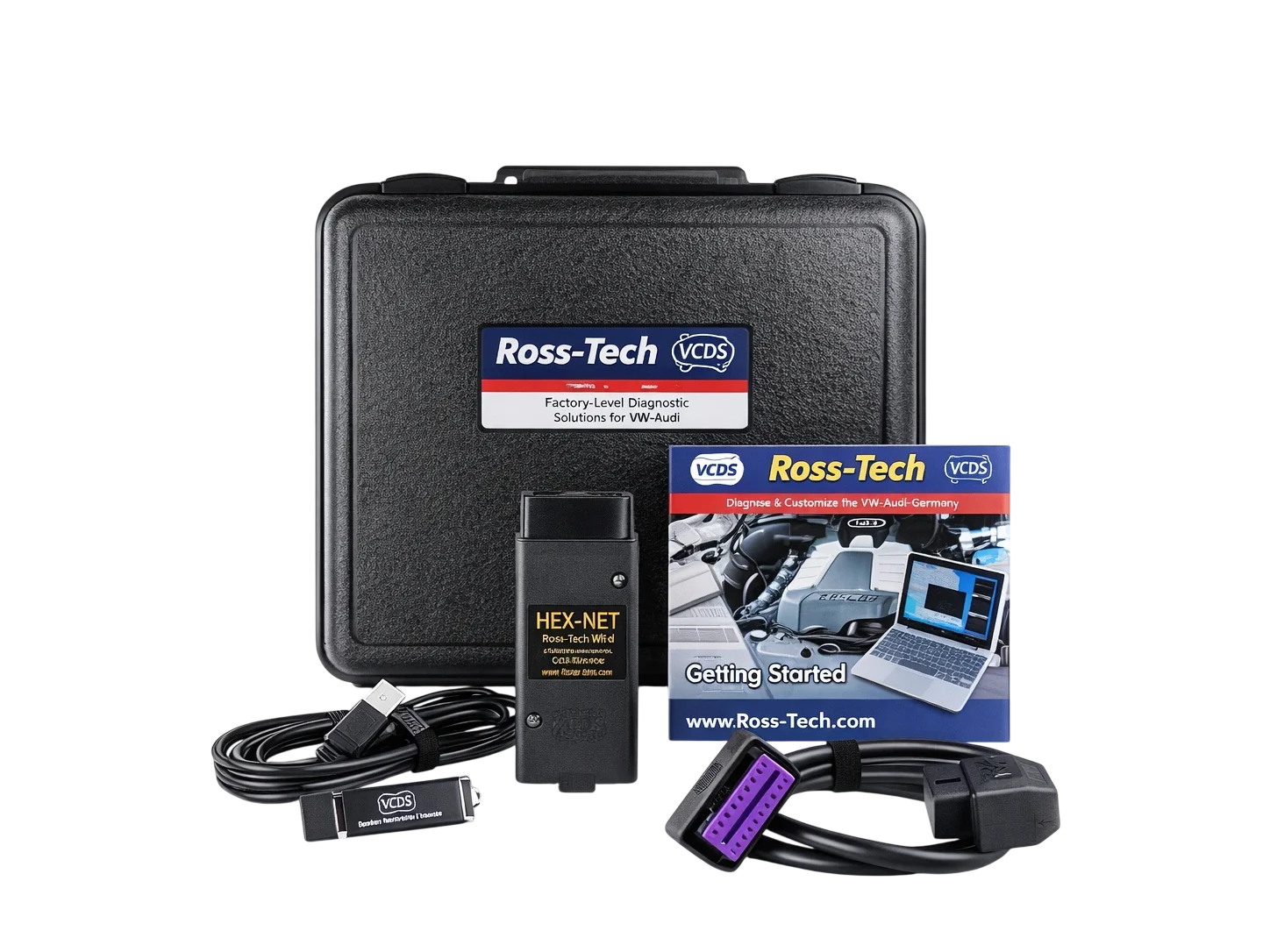
1. VCDS for platform-specific work We use VCDS when deeper VAG-oriented access, coding, adaptation work, and module-specific checks help us read the case more cleanly than a generic scan alone.
2. Better issue confirmation That matters when faults, values, and module behaviour need to be confirmed against platform-specific logic before the workshop moves into the next decision.
3. BAPRO 4x4 dyno as a validation asset The wider tool stack also includes the BAPRO 4x4 dyno, which gives us a stronger way to assess power, torque, and real vehicle behaviour when the case goes beyond fault reading.
4. Cleaner technical judgment Together these supporting tools help us validate complaints and make a more defensible technical decision before software, repair guidance, or calibration work moves forward.
Next step
Choose the vehicleSelect the correct brand, model, version, and engine so the request arrives with the right technical context.
Describe the issue clearlyTell us about warning lights, drivability issues, programming needs, or any technical symptoms already seen on the vehicle.
Get a direct next stepWe reply with the realistic route for diagnostics support, workshop review, or the right follow-up action for the case.